
It’s 94 degrees. The AC just died. A homeowner grabs their phone, searches, and taps the first HVAC company they see.
The page takes forever to load. They hit back. Next company.
That’s how most HVAC companies lose jobs. Not because of bad work. Because of a bad website.
Here’s the number that hurts: the average HVAC website turns only about 3 out of every 100 visitors into a lead. Well-built sites get 6 to 10 out of 100. Same traffic. Two or three times the calls.
At iYnix Digital, we look at a lot of HVAC contractor websites. The same problems show up again and again. So this guide skips the fancy design talk and covers the 9 HVAC website design fixes that actually bring in service calls.
Quick Answer: What Makes HVAC Website Design Convert?
An HVAC website that converts does a few simple things well:
- Loads in under 3 seconds on a phone
- Shows a tap-to-call phone number at the top of every page
- Has one clear action per page (call, book, or get a quote)
- Gives every service and every city its own page
- Puts real reviews right next to the call button
- Shows trust signals like license, warranty, and financing
- Lets people book online at any hour
- Is easy for Google and AI tools to understand
- Tracks every call and form so you know what’s working
Now let’s go one by one.
1. Make It Load Fast. Really Fast.
This one comes first for a reason.
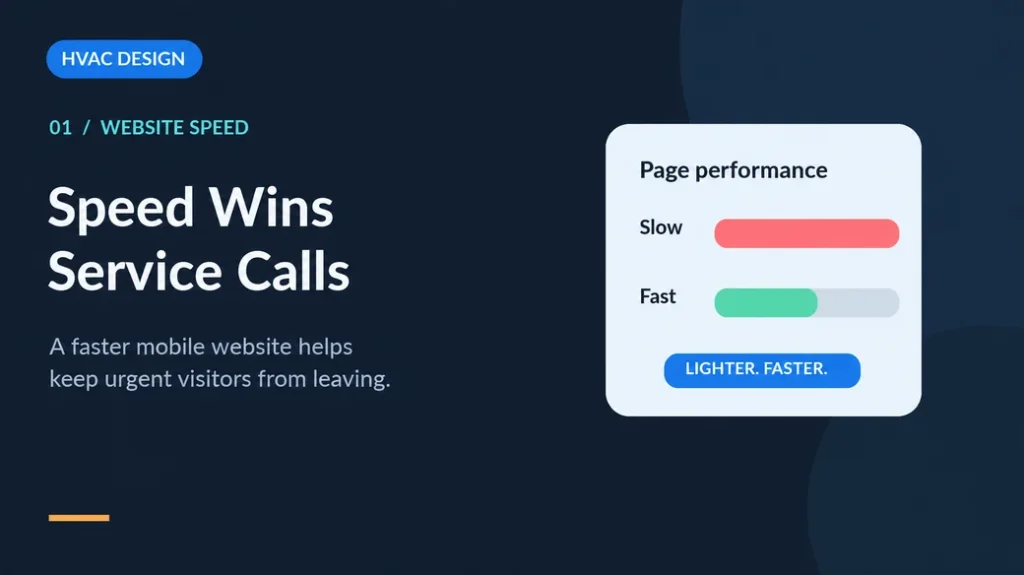
Google found that 53% of mobile visitors leave a page if it takes longer than 3 seconds to load. And 2026 industry data on contractor websites shows sites loading in under 2.5 seconds convert at about 6.8%, while sites taking over 4.5 seconds convert at about 2.1%.
That’s more than 3x the leads just from speed.
When we run speed checks on HVAC sites, the usual suspects are:
- Giant hero images nobody resized
- Image sliders on the homepage (slow, and almost nobody clicks past slide one)
- Too many plugins
- Chat widgets and pop-ups loading before the actual page
- Cheap shared hosting
The fix isn’t hard. Compress images. Kill the slider. Remove plugins you don’t use. Move to better hosting. Speed is the cheapest HVAC website optimization you’ll ever do.
2. Put the Phone Number Where Thumbs Can Reach It
HVAC is a phone business. Industry data puts it at nearly half of all HVAC website conversions coming through phone calls, not forms.
So make calling stupid-easy:
- Sticky call button at the bottom of the mobile screen
- Phone number in the top right corner on desktop
- Number is tap-to-call, not just text in an image
- Same number everywhere (helps your local SEO too)
One more thing. Around 80% of HVAC searches happen outside normal business hours. If your site says “Call us” and nobody picks up at 9 PM, that call goes to the next company. Either have someone answering after hours, or give people a way to book online (more on that in #7).
3. Give Every Page One Job
A confused visitor doesn’t call.
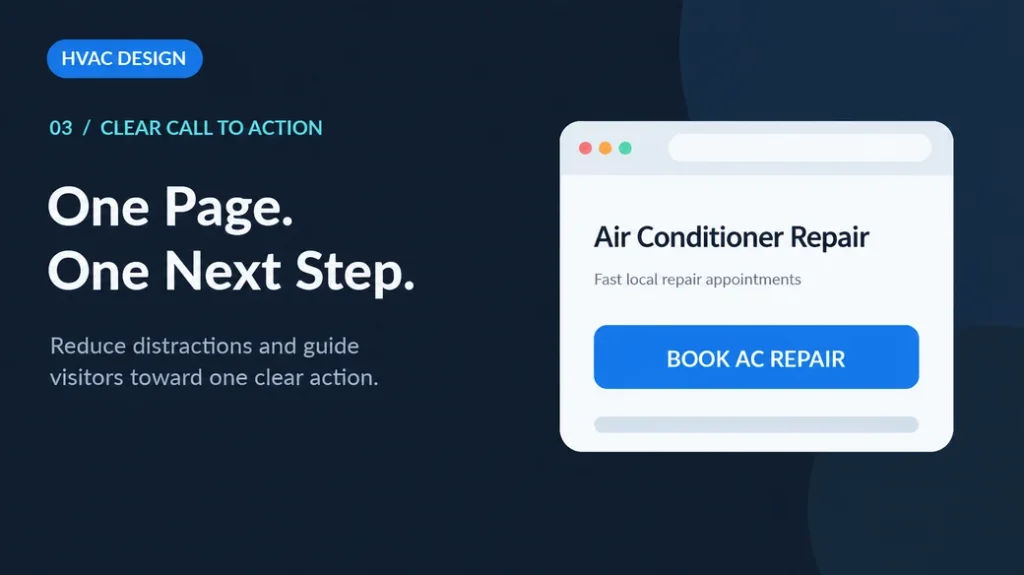
If your homepage asks people to call, fill a form, download a coupon, follow you on Facebook, and read your blog, all at once, they’ll do none of it.
Pick one main action per page. For a repair page, that’s “Call Now.” For an install page, maybe “Get a Free Estimate.” Make that button big, bright, and repeated as people scroll.
4. Build a Page for Every Service (and Every City)
This is where most HVAC web design falls short.
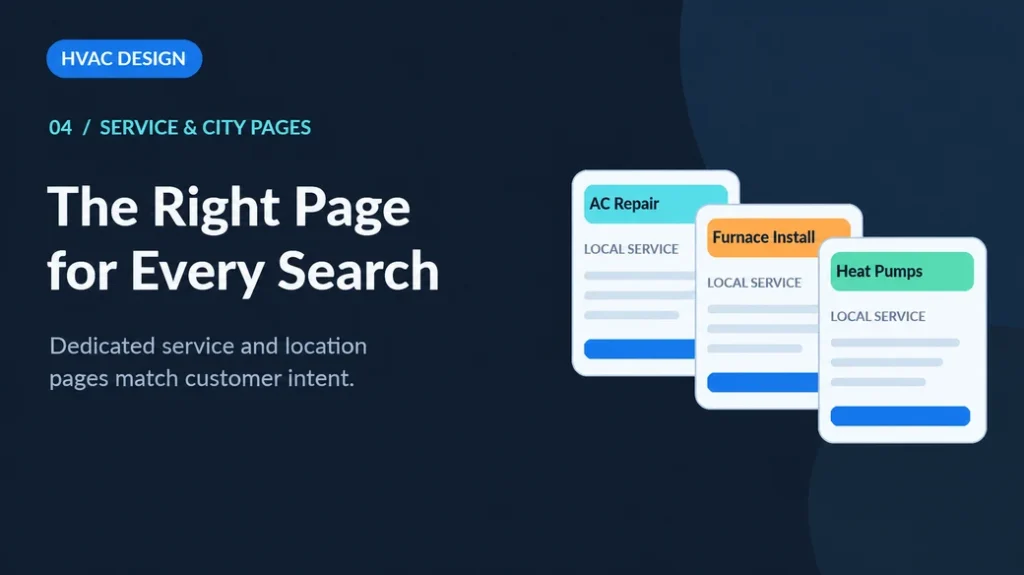
A lot of sites have one “Services” page with a long list: AC repair, furnace install, heat pumps, duct cleaning, maintenance plans. All on one page. That’s a problem for two reasons.
First, Google can’t rank one page for ten different services. Someone searching “heat pump repair near me” wants a heat pump page, not a list.
Second, focused pages convert better. In one real example, an HVAC company’s website converted at 2% on 2,000 visitors. A dedicated landing page converted the same traffic at 7%. Same visitors. Over 3x the leads.
What each service page needs:
- A clear headline with the service and city (e.g., “AC Repair in Kennesaw, GA”)
- Signs of the problem in plain words (“Is your AC blowing warm air?”)
- What you do, how fast you show up, and what it roughly costs or how pricing works
- Reviews from people who got that exact service
- A call button. Then another one.
And city pages? Write them for real. Copy-paste city pages with only the town name swapped don’t rank and don’t convert. Mention local neighborhoods, local weather issues, and jobs you’ve done there.
5. Show Reviews Right Next to the Button
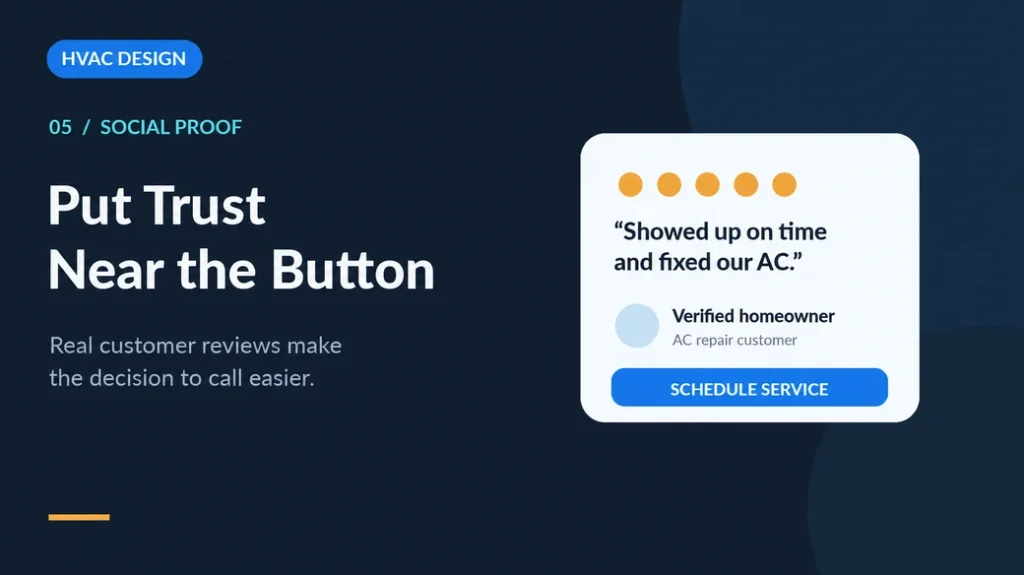
People trust other homeowners more than they trust you. That’s just how it is.
BrightLocal’s 2026 survey found:
- 97% of consumers read reviews for local businesses
- 47% won’t use a business with fewer than 20 reviews
- 89% expect the owner to reply to reviews
The same thing shows up on Reddit. When people in local city subreddits ask “who should I call for AC?”, the companies that get recommended are described with words like “honest” and “reliable”, not “great website.” Your website’s job is to prove you’re that company before they call.
How to do it:
- Put your Google star rating near the top and next to every call button
- Use real names and real photos where you can
- Pull reviews that mention specific services and place them on those service pages
- Reply to reviews, good and bad. People read the replies too.
6. Make Trust Easy to See
You’re asking someone to let a stranger into their home. Trust has to be obvious, not buried on an “About” page.
Things that should be easy to spot:
- License and insurance
- Certifications (NATE, manufacturer dealer badges)
- Warranty and satisfaction guarantee
- Financing options (huge for system replacements)
- How your service call fee works. Homeowners are often told to ask about this before booking, so answer it upfront.
- Real photos of your team, your trucks, your techs on the job. Not stock photos of smiling models in clean uniforms.
Stock photos feel fake. Real photos feel local.
7. Let People Book Online
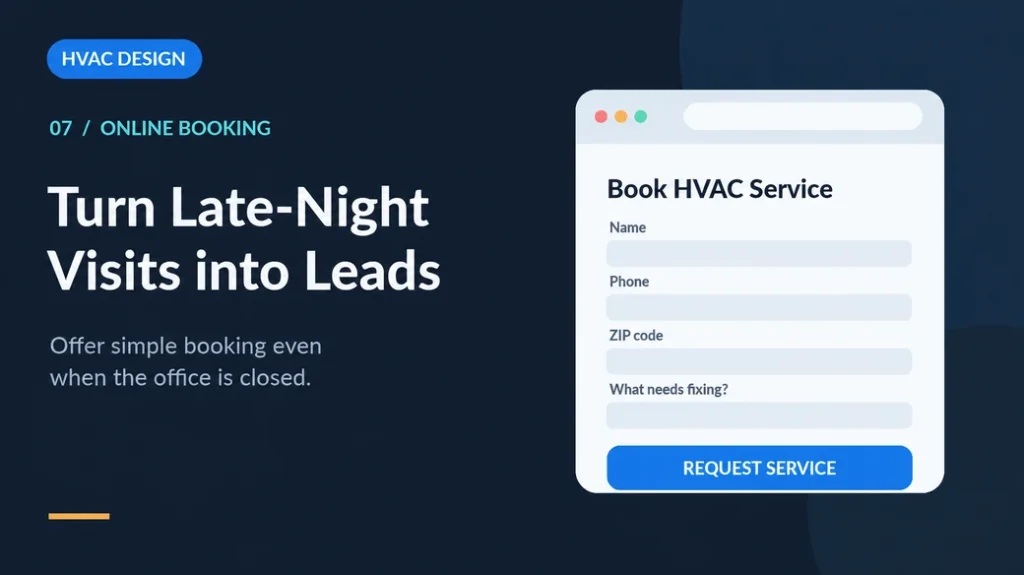
Some people just don’t want to call. Especially younger homeowners. Especially at 11 PM.
An online booking option catches those leads while you sleep. If full booking isn’t possible, at least have a short form.
And keep it short. Name, phone, zip code, what’s wrong. That’s it. Every extra field you add means fewer people finish it.
This is the heart of an HVAC lead generation website: you make it easy to say yes, any time of day.
8. Get Found by AI, Not Just Google
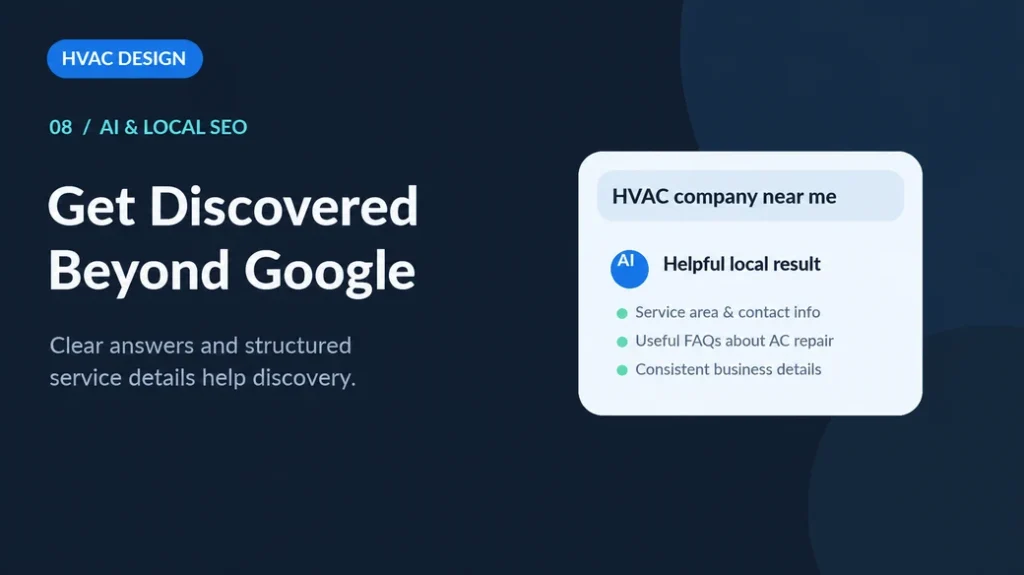
This one is new, and it’s moving fast.
BrightLocal’s 2026 survey found that the use of ChatGPT and other AI tools for local business recommendations jumped from 6% in 2025 to 45% in 2026. People are literally asking AI, “Who’s a good HVAC company near me?”
To show up in those answers:
- Add a real FAQ section to key pages with short, direct answers
- Use schema markup (LocalBusiness, Service, FAQ, Review)
- Keep your name, address, and phone exactly the same everywhere onlineGood HVAC website design isn’t about looking pretty
- Write content that answers real questions, like “Why is my furnace short cycling?”
9. Track Every Call and Form
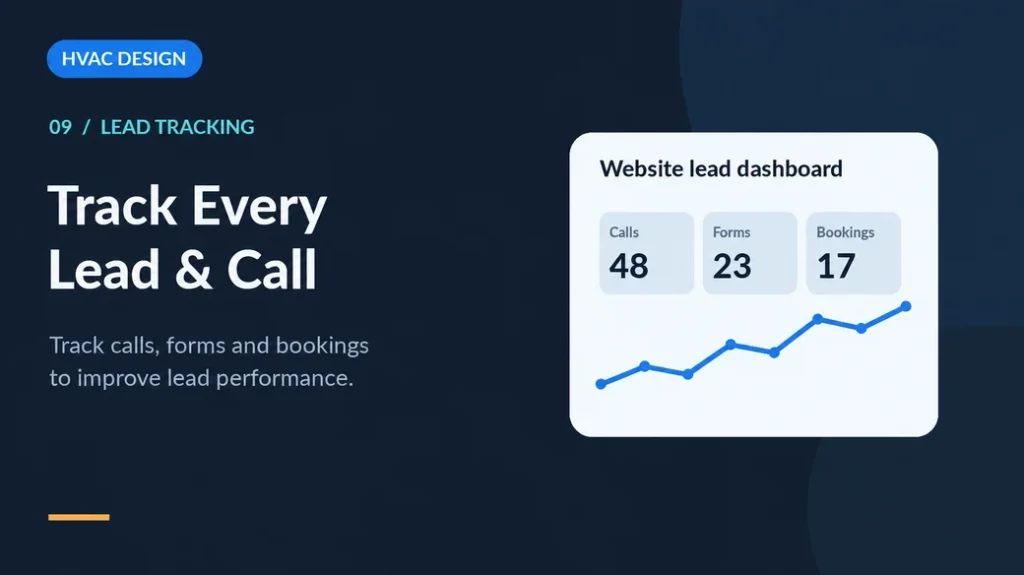
You can’t fix what you can’t see.
One audit of 175 HVAC advertisers found that 79% had no tracking pixel on their landing pages. They were spending on ads with no clear idea of which clicks turned into jobs.
At the very least, set up:
- Call tracking (so you know which page or ad made the phone ring)
- Form tracking in Google Analytics 4
- Google Business Profile call and click tracking
Once you see the data, HVAC website conversion stops being a guessing game. You’ll know which pages bring jobs and which ones just sit there.
HVAC Website Templates: Good Start or Trap?
We get this question a lot.
HVAC website templates are fine for getting started. They’re cheap and quick. But they come with problems:
- Your site looks like 50 other HVAC sites
- Many are packed with heavy code and slow you down
- Generic text that doesn’t mention your city, your team, or your services
Our take: use a template as a base, not as the finished product. Swap in real photos, write your own service and city pages, cut the bloat, and test the speed.
Quick HVAC Website Checklist
Here is a simple checklist thay you can follow:
| Area | What to Check |
| Speed | Loads in under 3 seconds on mobile |
| Phone | Tap-to-call, sticky on mobile, top right on desktop |
| Action | One clear CTA per page |
| Pages | Separate page for each service and city |
| Reviews | Star rating and reviews near every CTA |
| Trust | License, warranty, financing, real photos |
| Booking | Online booking or a 4-field form |
| AI & SEO | FAQs, schema, consistent NAP |
| Tracking | Call tracking, GA4, GBP insights |
Your Website Should Work as Hard as Your Techs
Your techs show up, fix the problem, and leave the customer happy. Your website should do the same thing online.
Good HVAC website design isn’t about looking pretty. It’s about providing you with leads. Start with speed and the phone number. Then build out service pages, reviews, and tracking. Small fixes add up fast.
Want to know where your site is losing calls? iYnix Digital helps HVAC companies with web design, SEO, and paid ads built around one goal: more booked jobs.
FAQs
What is a good conversion rate for an HVAC website?
The average is around 3%. A well-built HVAC site can reach 6% to 10%. Dedicated landing pages for ads often do even better.
What should an HVAC contractor website include?
A fast mobile design, a tap-to-call number, separate pages for each service and city, reviews, trust signals like license and warranty, an easy booking option, and call tracking.
Do I need a separate page for each HVAC service?
Yes. Separate pages help you rank for each service and convert better because visitors land on exactly what they searched for.
How do I turn my HVAC website into a lead generation website?
Make it fast, make calling and booking easy, show proof (reviews, photos, guarantees), and track every lead so you can fix what’s not working.
Are HVAC website templates good enough?
They’re okay to start, but most need real photos, custom service pages, and speed cleanup before they bring in steady calls.
Related Posts

10 Best Website Designing Companies in the USA
The increasing demand for professional Website Designing in the USA…

Interaction To Next Paint (INP): Meaning and Tips For Optimization
As we know, Google regularly releases new updates and metrics.…

Website Development: Building High-Performance, Scalable Websites for Business Growth
The importance of the development of websites to the business…